Recipes from reels, pins & pages
Stop rewatching.
Start cooking.
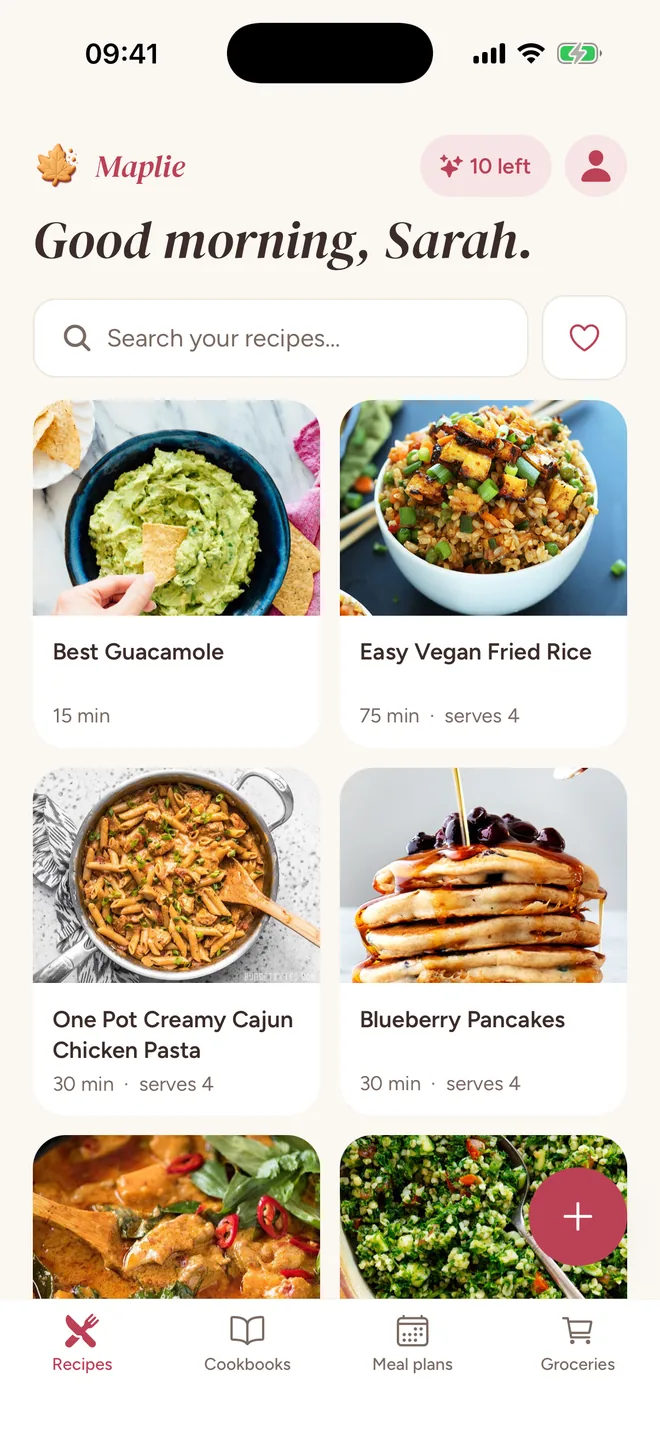
Send Maplie the reel, the pin, the link, or a photo of the page. You get the recipe: every ingredient, every step, in order. Then you cook.
Not in the stores yet. Leave your email and we'll tell you the day it lands.
Soon on the App Store and Google Play


From wherever you found it
- TikTok
- YouTube
- any recipe website
- a photo of the page
- pasted text
- the share sheet
Ten imports a day, free while we're getting started.
The recipe
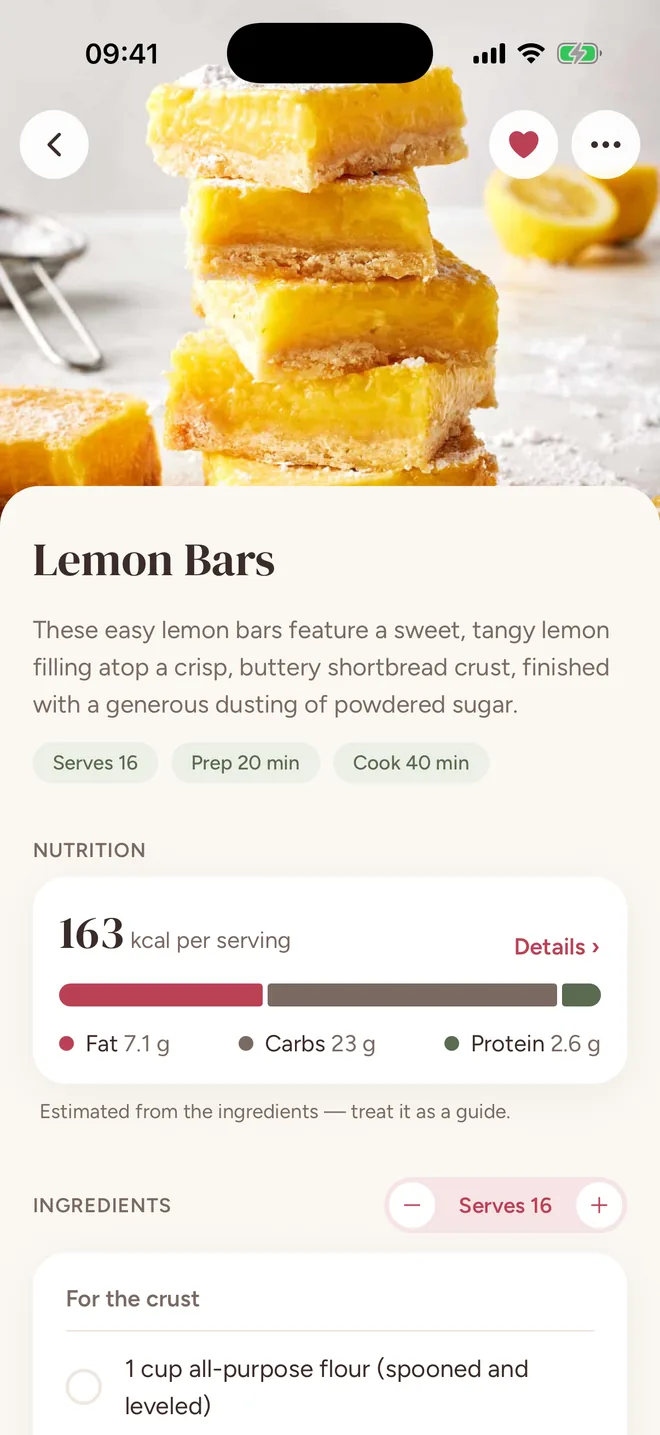
The whole recipe on one screen.
The photo, the servings and the times up top. Ingredients you tick off as you go, steps you can read from across the counter, and a screen that stays awake. The creator gets a link back; their video stays where it was.
Nutrition and servings
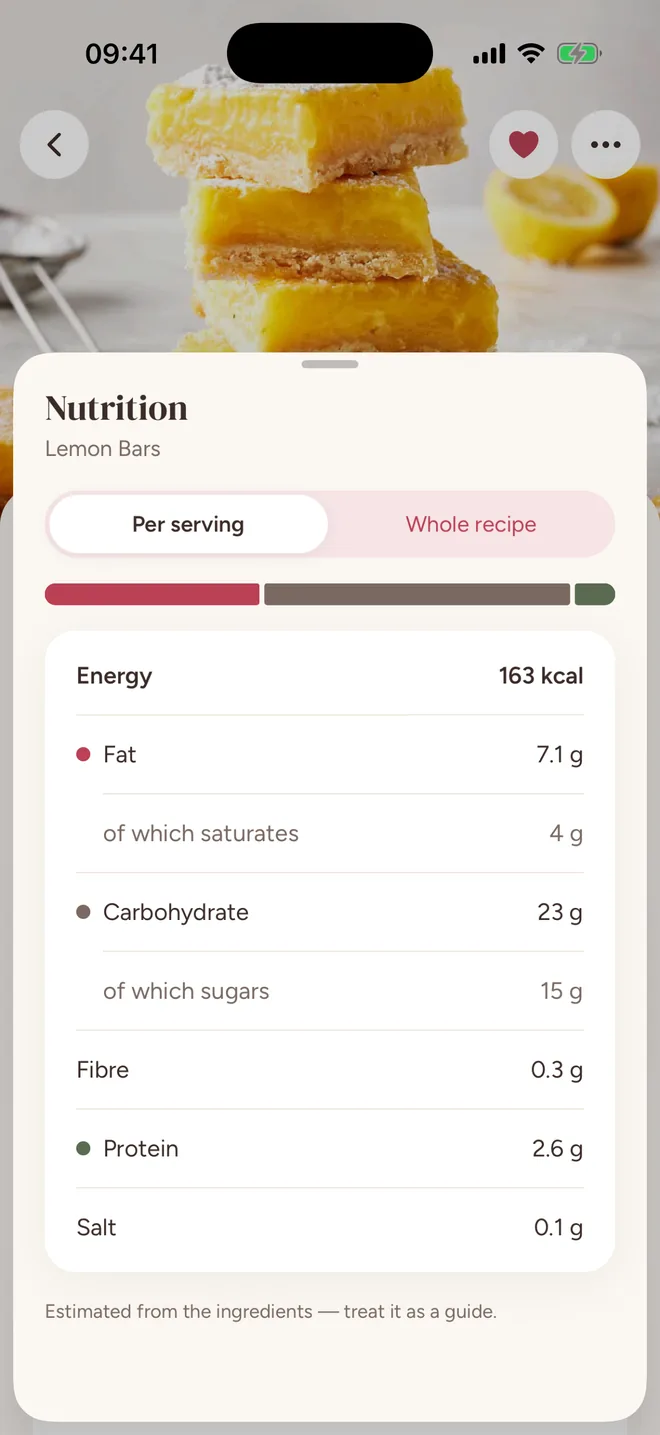
Know what's in it.
Calories, protein, carbs, fat, fibre and salt, estimated the moment it's imported, per serving or for the whole batch. Step the servings and every amount follows.
Cookbooks
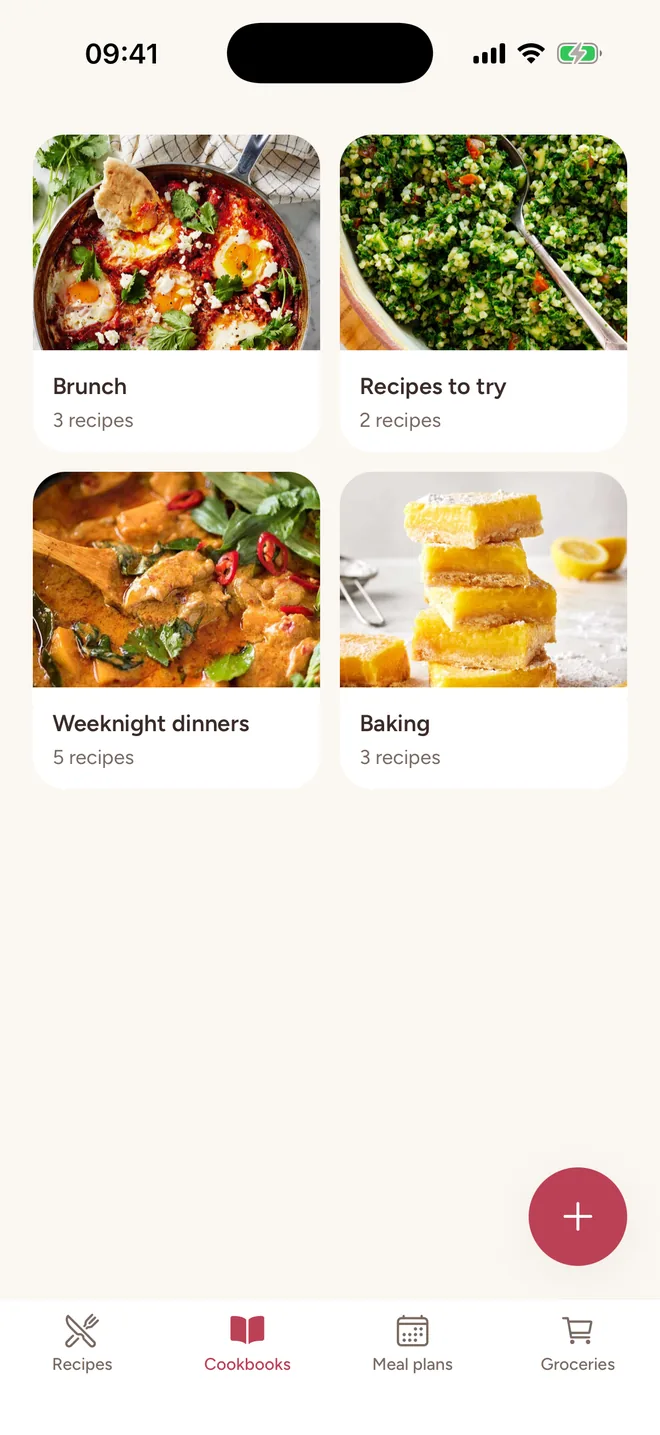
Keep them in books.
Cookbooks for whatever you like: weeknights, baking, the ones to try. Pick a handful at once like a camera roll, and search that forgives a typo.
Groceries
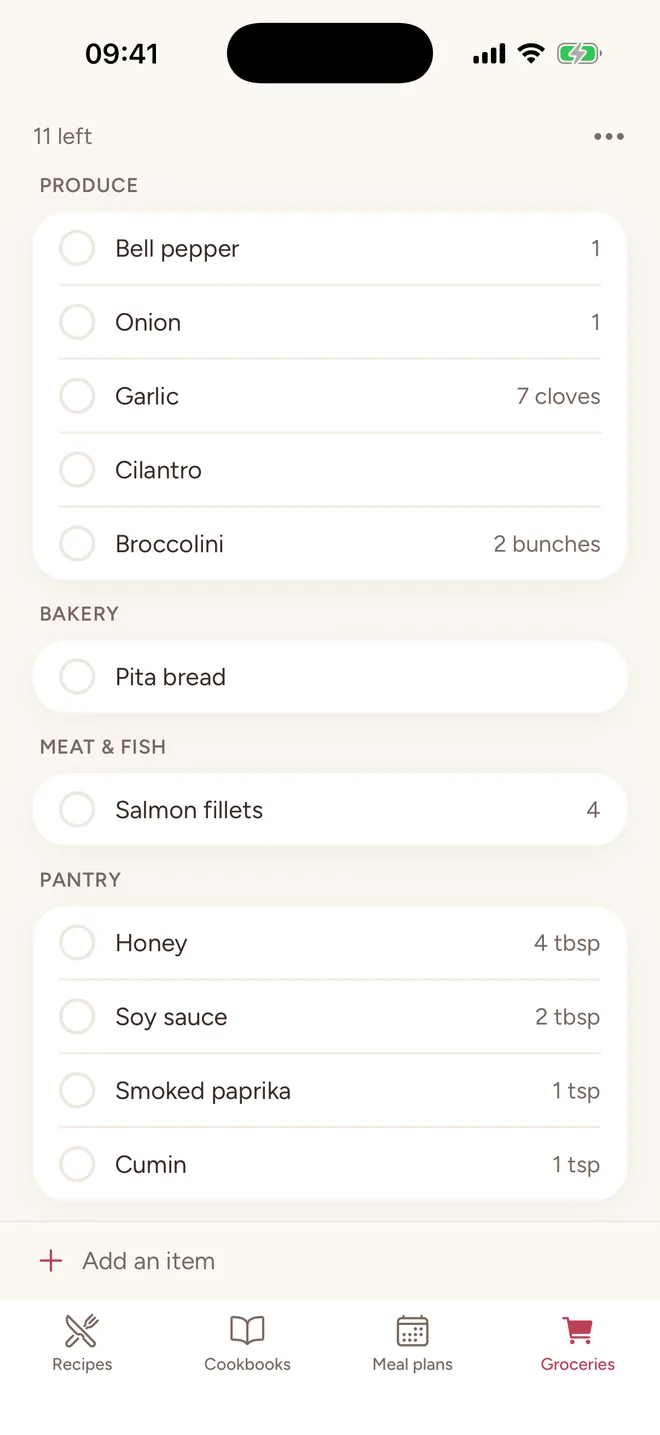
One list, sorted by aisle.
Add a recipe, a whole book or a planned day. Amounts merge, the list sorts itself the way the shop is laid out, and you tick things off as you go.
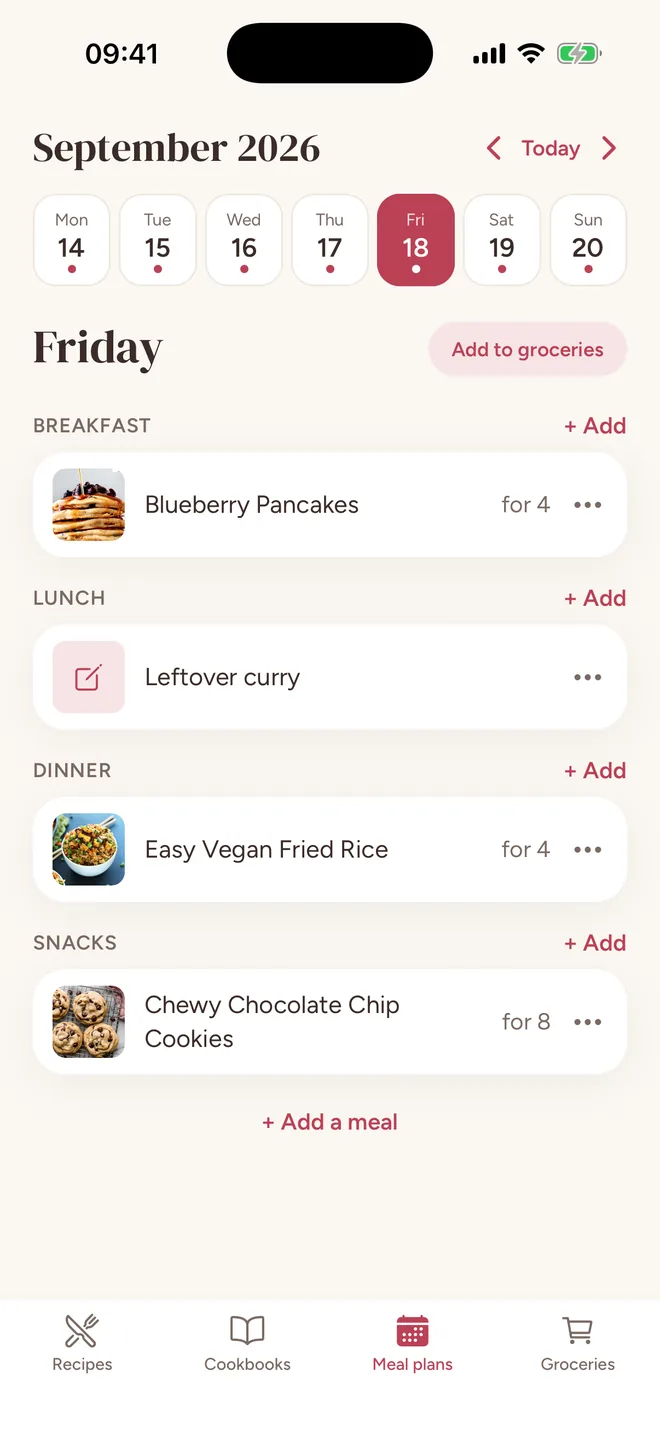
Meal plans
Plan a week at a time.
Four meals a day plus your own, filled from your books. Servings per entry, move things around, and send a day's shopping to groceries in one tap.
Try it
Cooking for more?
Step the servings and every amount follows, in kitchen fractions. Pancakes for three means ¾ teaspoon of baking powder, not 0.75. This is the app's own arithmetic, running right here.
Ingredients
- 180 g flour
- 300 ml milk
- 2 tbsp sugar
- 1 tsp baking powder
- ½ tsp salt
- 30 g melted butter
- a handful of blueberries
As written.
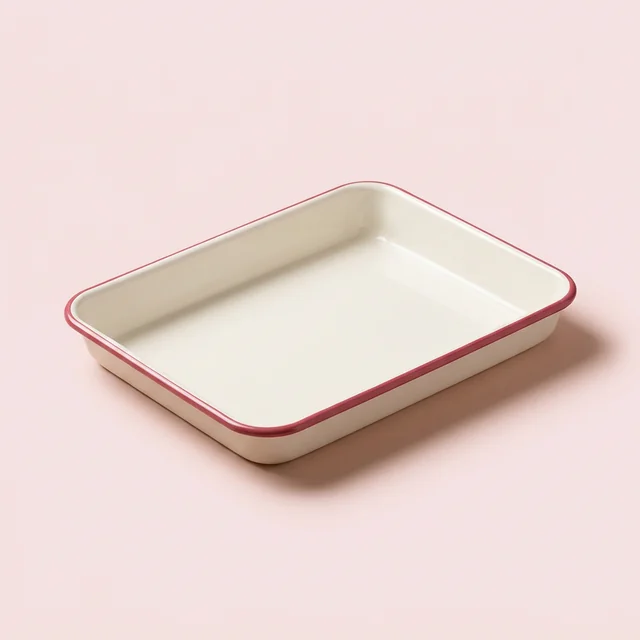
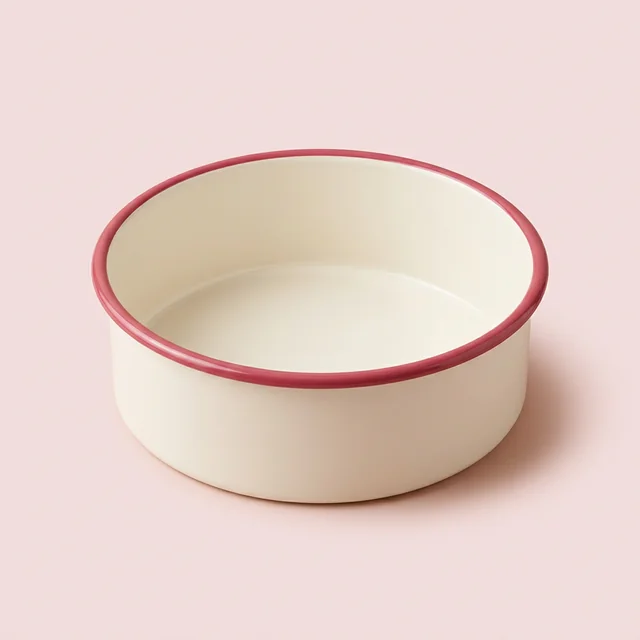
Fit to my tray
Your tin isn't their tin.
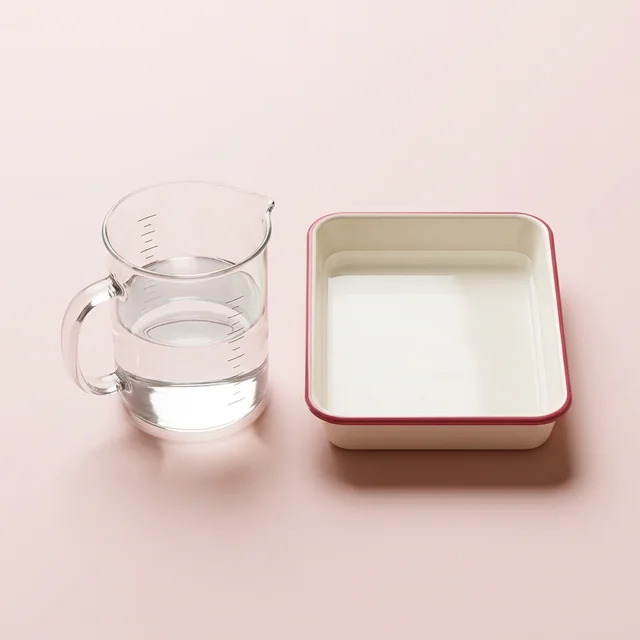
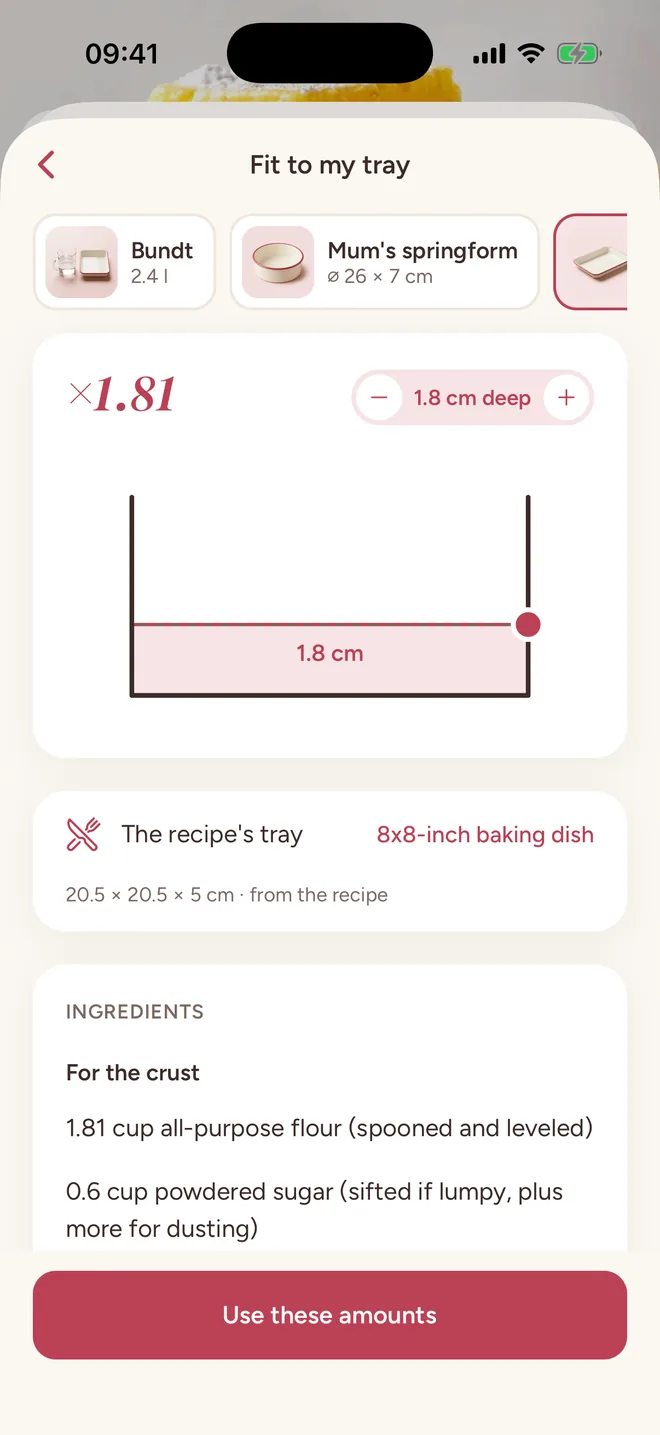
Measure yours once, by its sides, by its diameter, or by filling it with water. The recipe rescales so the batter sits exactly as deep as the author's. Here that came to ×1.81.
The small things.
Your language, your units
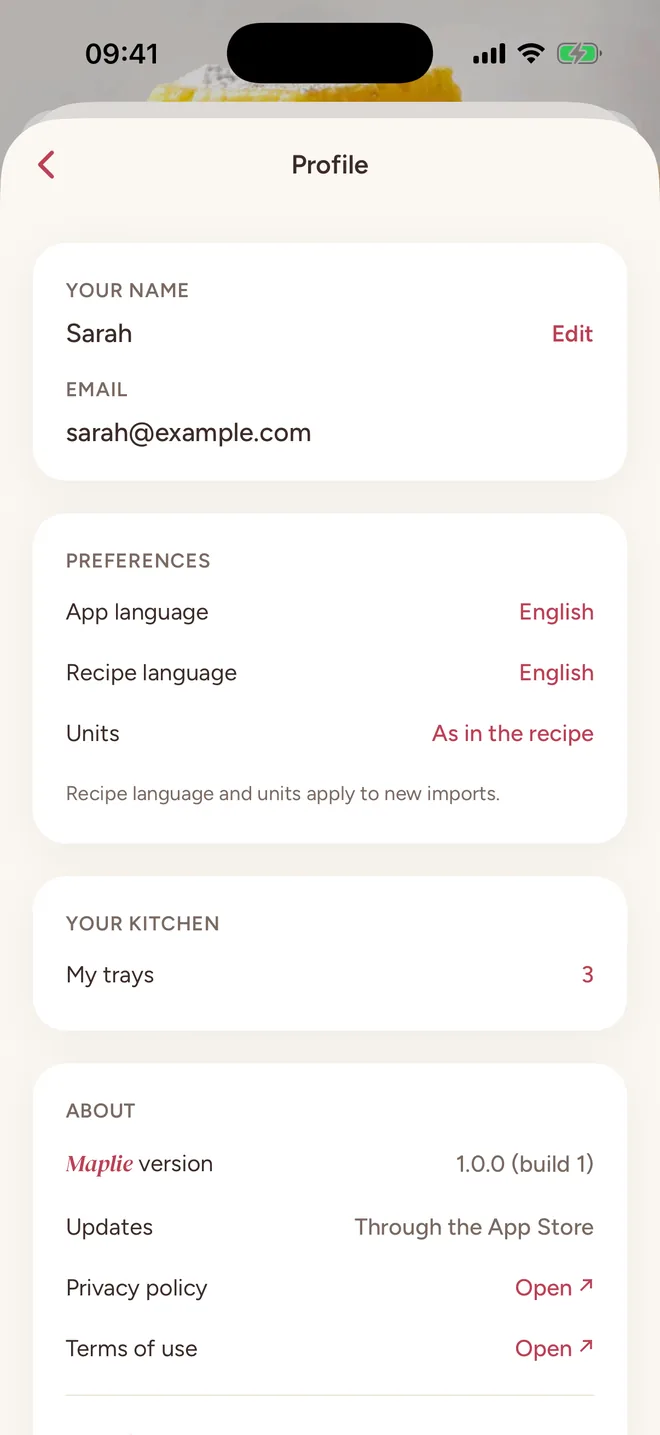
Recipes come out in English, Slovenian, Spanish, German or French, in the units you cook in, with kitchen rounding: a cup of water becomes 240 ml.
A photo of the page is enough
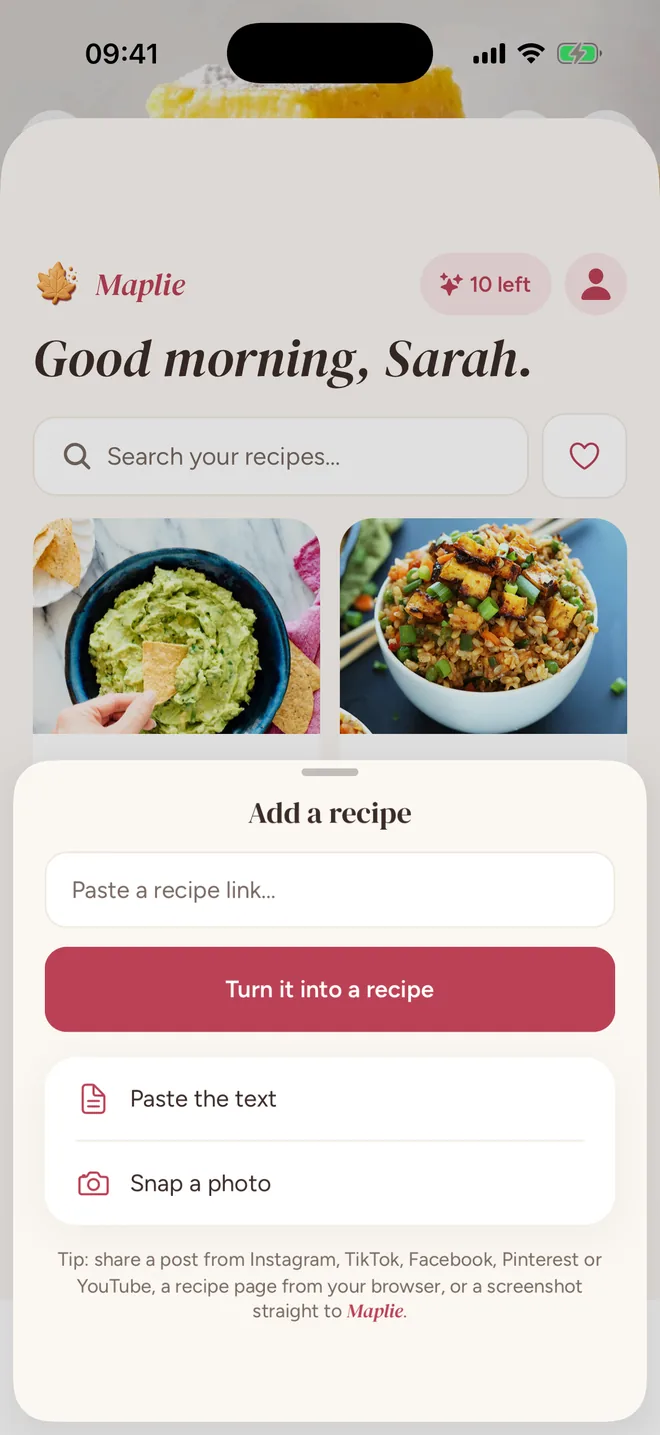
Grandma's card, a cookbook page, a screenshot of a caption. Snap up to five and it's typed up for you, or paste the text in as many parts as it comes.
Yours alone
No followers, no likes. What you save is private to you, and the creator keeps their video and gets the credit.
Buttery thumbs welcome
The screen stays awake while you cook, and ingredients tick off with a knuckle.
Fix a line, or fetch it again
Edit any ingredient or step. Changed your language or units? Reimport, and it's rewritten with today's settings.
Questions
?Which apps can I save recipes from?
Instagram posts, reels and carousels; TikTok videos and photo posts; Facebook reels, videos and posts; Pinterest pins; YouTube Shorts and videos; and any recipe website. You can also snap or share photos of a recipe, or paste its text.
?What if the recipe is only spoken in the video?
We watch the video itself (narration included) as well as the caption, so spoken-only recipes work too. On TikTok we also read the creator's own comments, which is where the quantities often hide.
?Does it keep the original video?
No. We save the cover photo and a link back to the original post, and always credit where it came from. The video stays with its creator.
?How much does it cost?
Maplie is free while we're getting started, with ten imports a day.
?Which languages does it speak?
English, Slovenian, Spanish, German and French. It can write your recipes in any of them, in metric or imperial, whatever the video was in.
?Is it private?
Yes. Recipes are private to your account, there is no social layer, and you can delete everything from inside the app.
Be first in line
Maplie is almost out of the oven. Leave your email and we'll tell you the moment it hits the stores. Nothing else, promise.
Soon on the App Store and Google Play